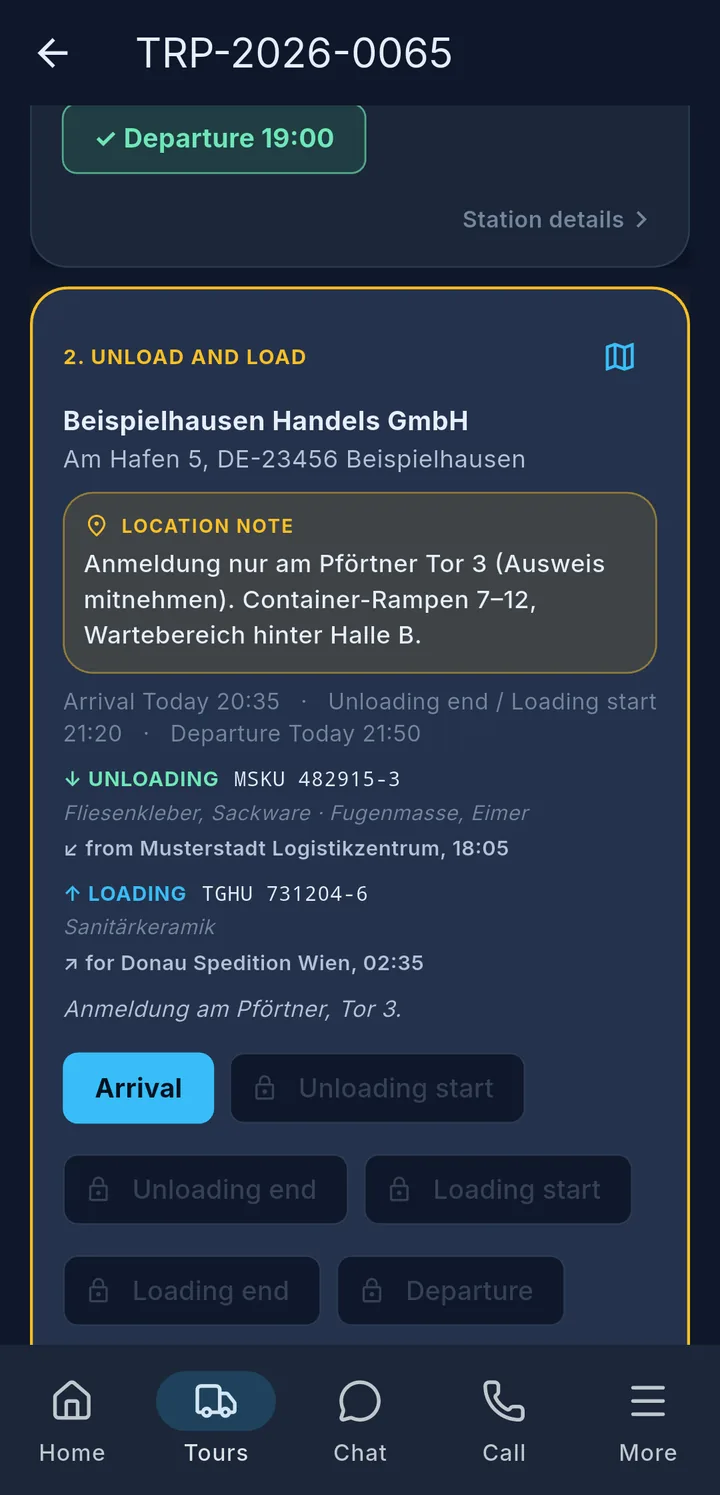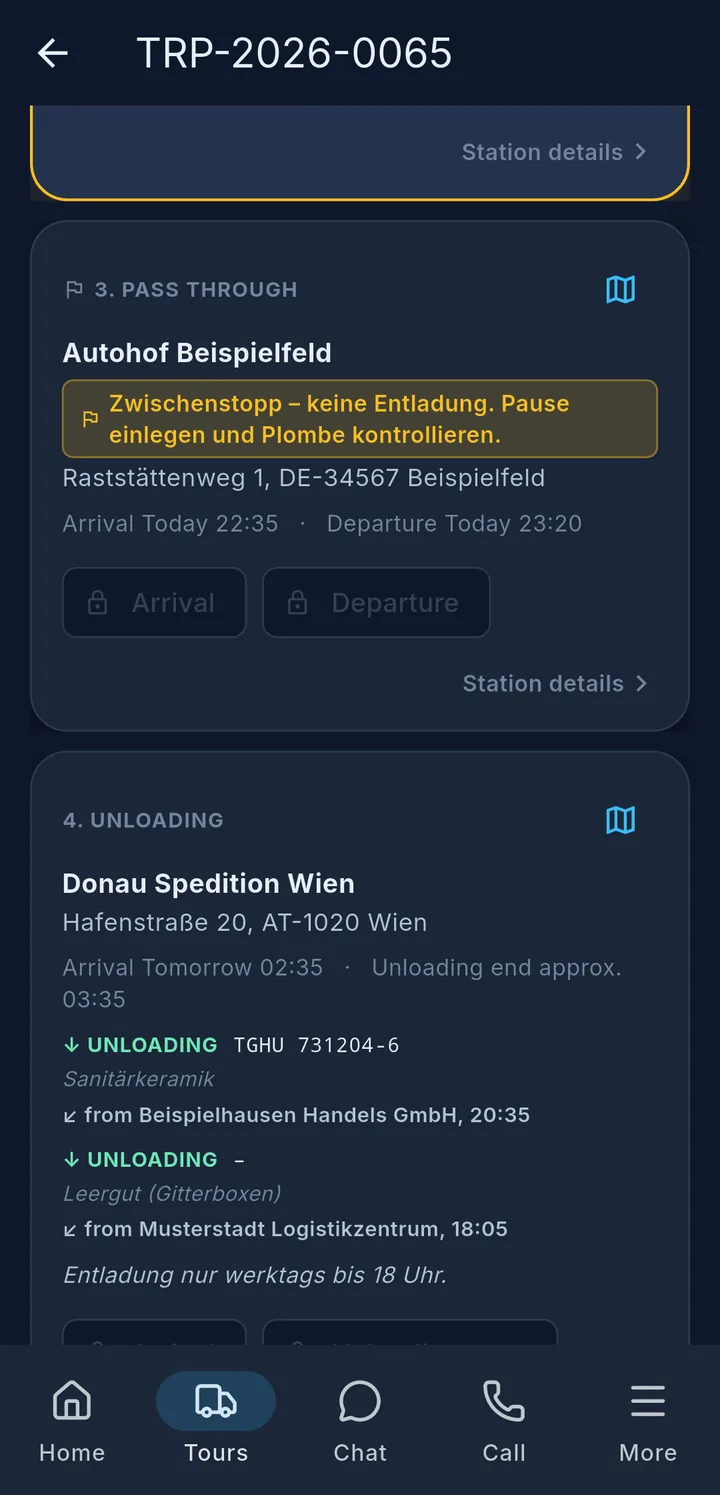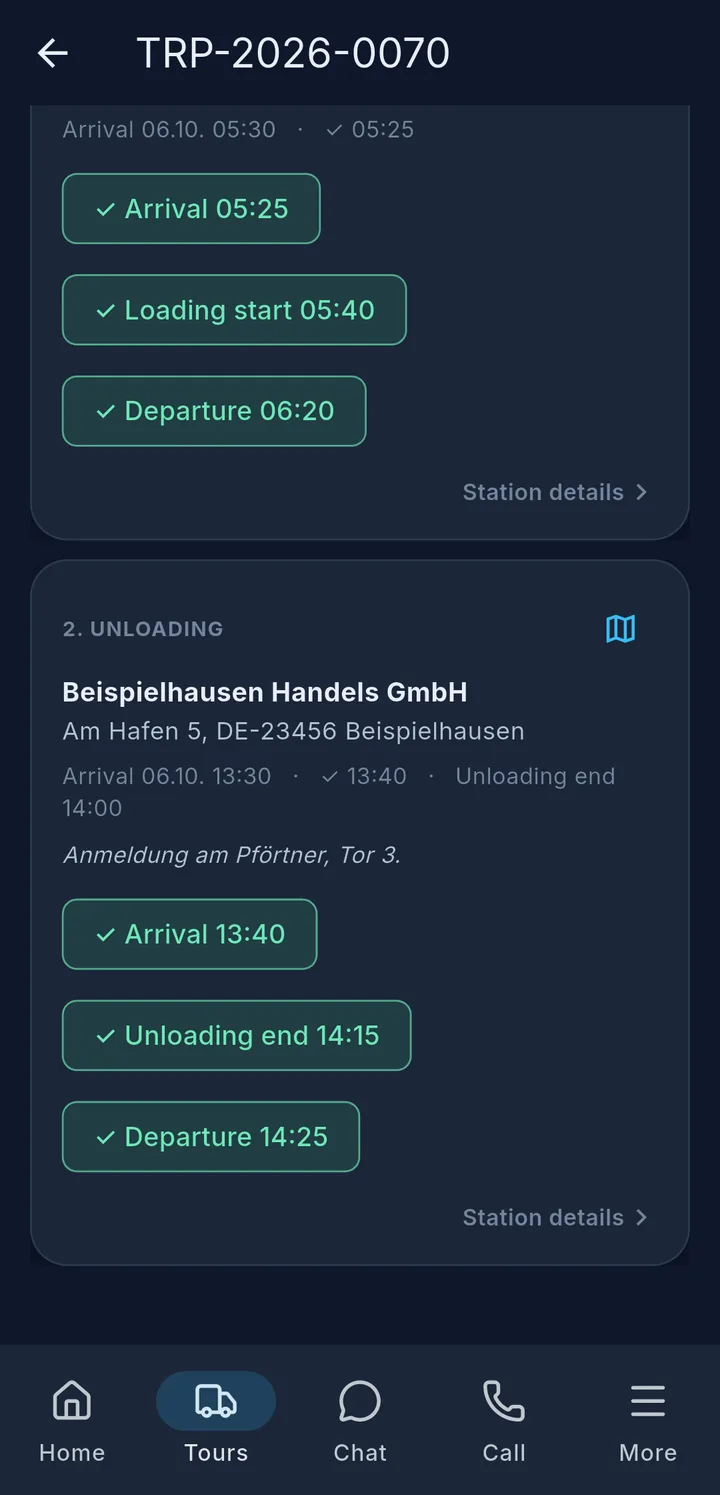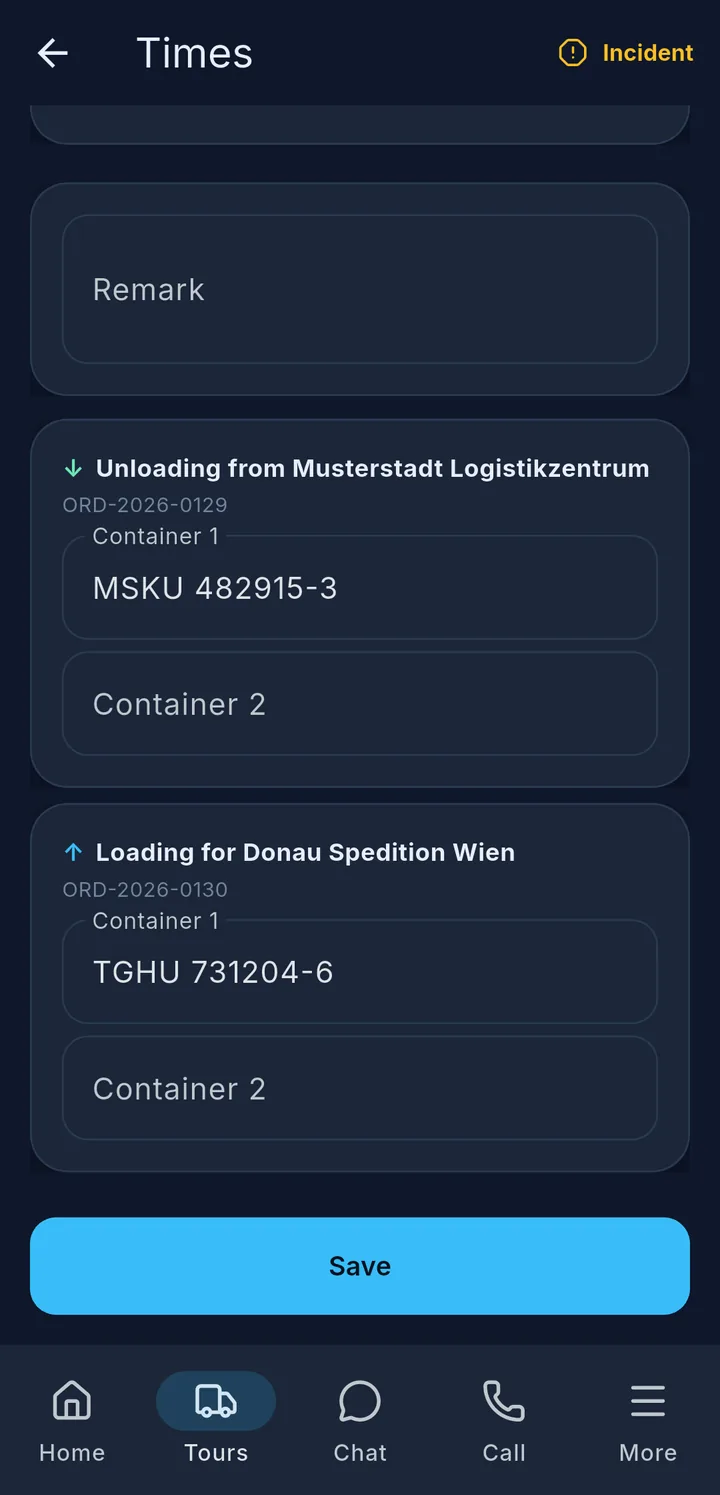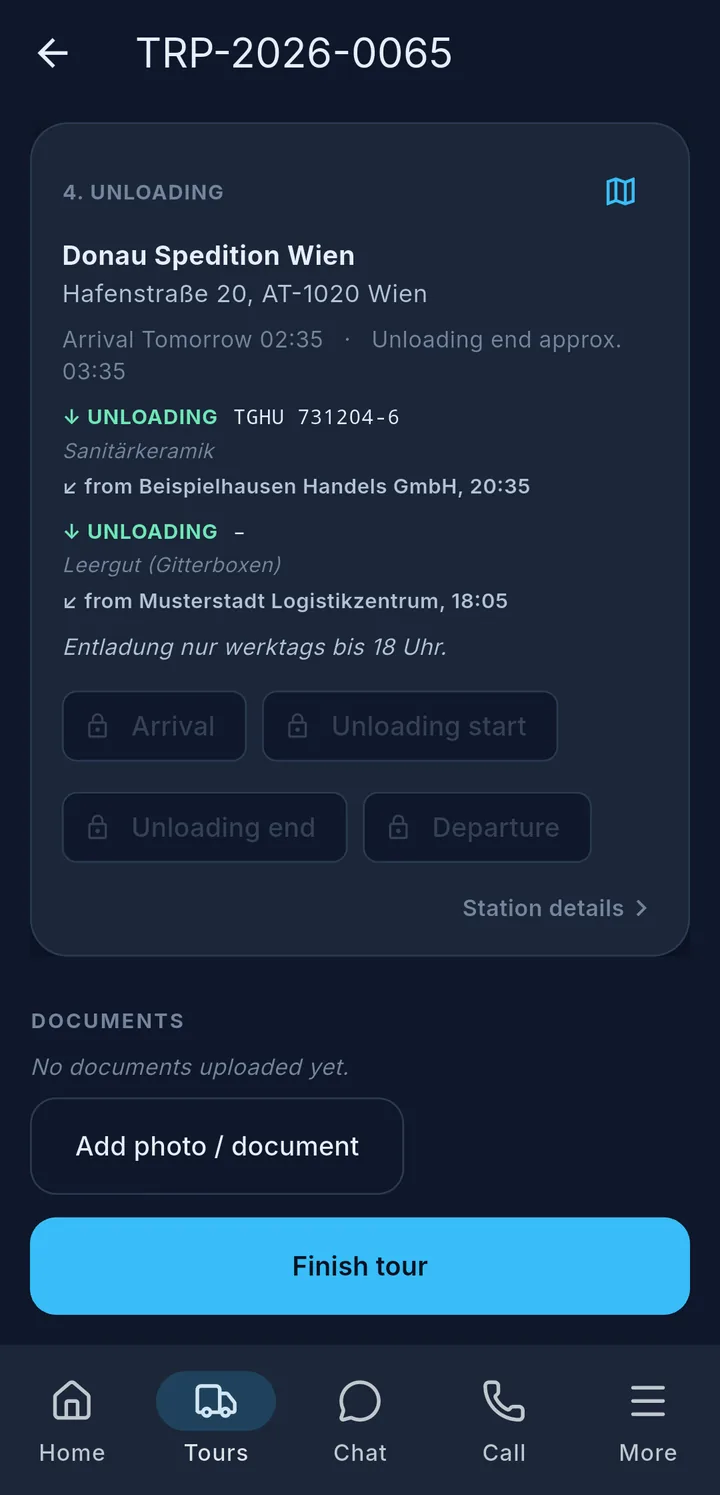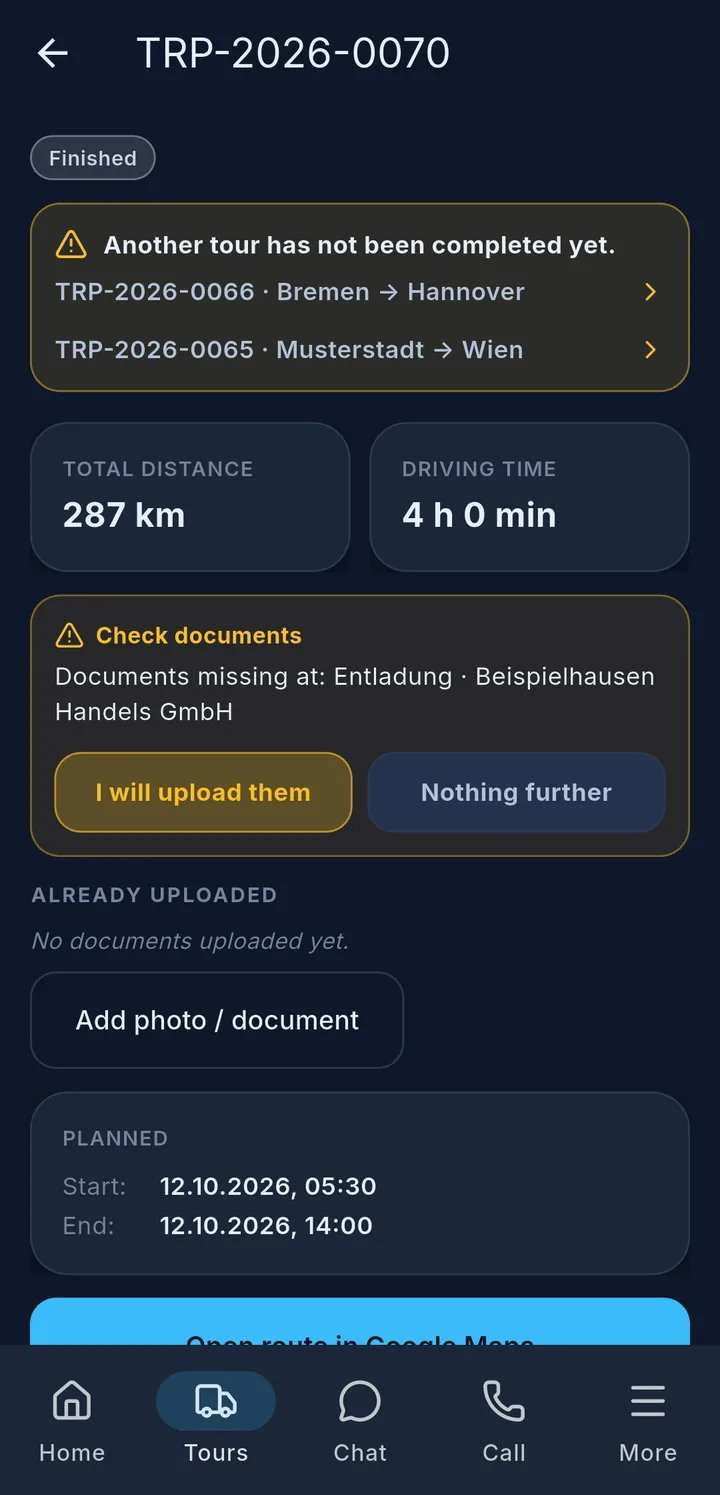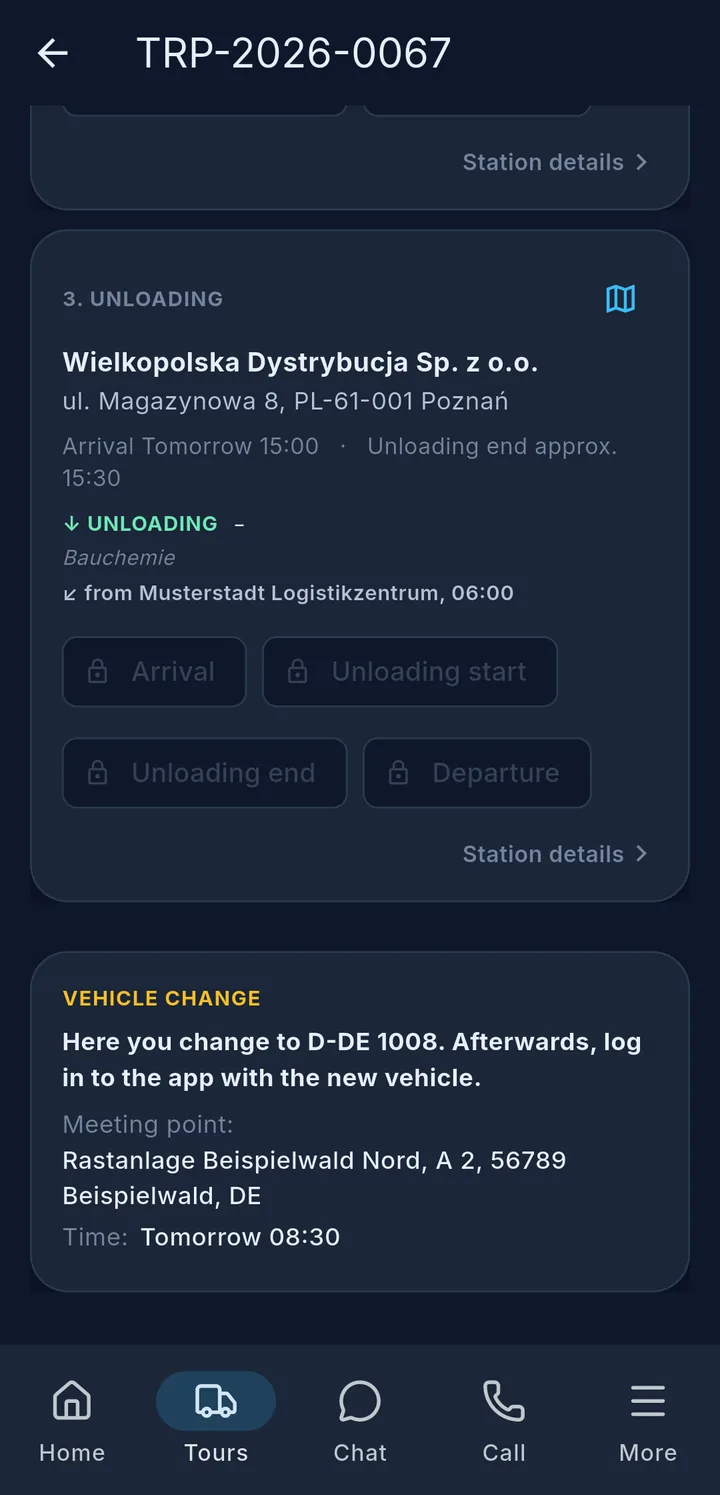
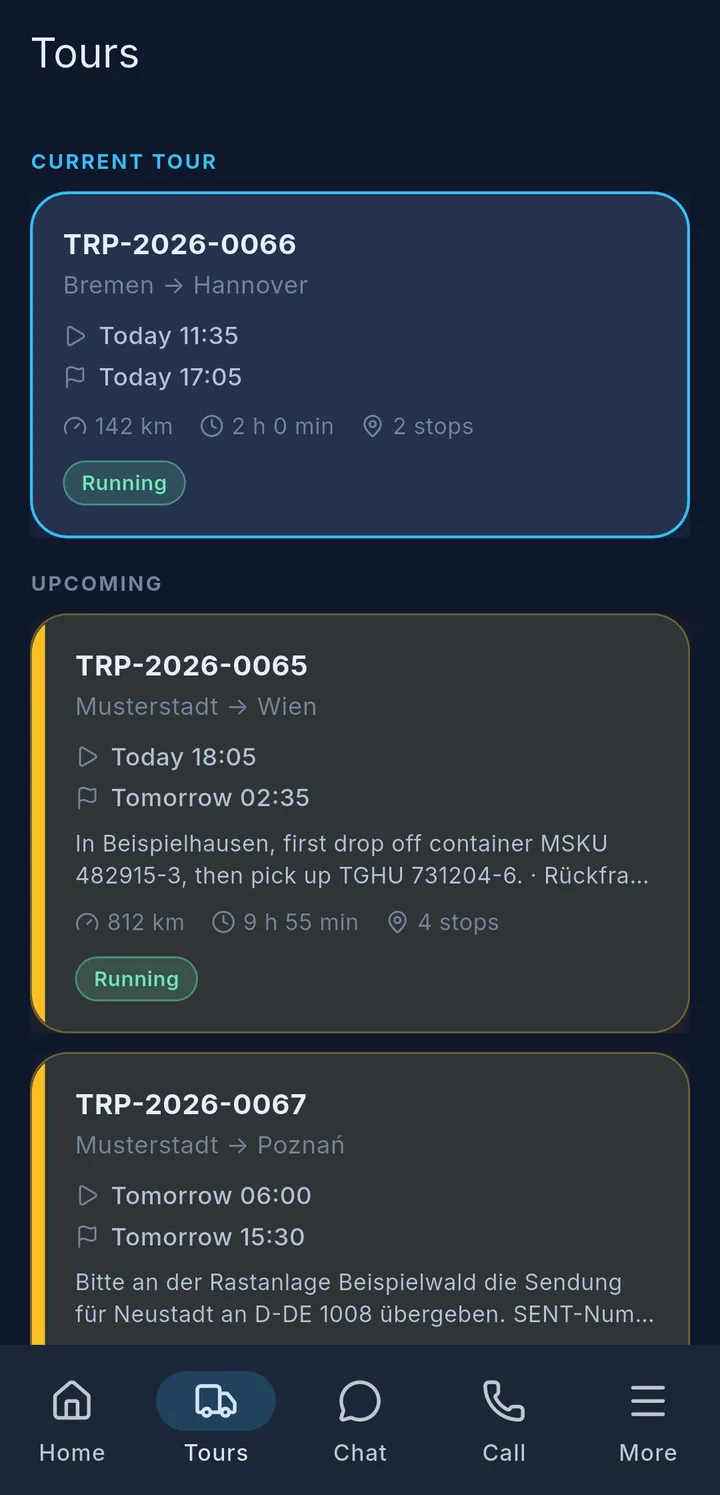
The Tours tab shows all tours of your vehicle: the Current tour 1 at the top, below it Upcoming 2 and Past tours from the last few days. Each card shows the tour number, route, planned times, kilometres and driving time.
Labels 3 at the bottom of the card show the status of the tour:
| Label | Meaning |
|---|---|
| New / Needs confirmation | Accept the tour |
| Changed | Dispatch has changed something – check and confirm |
| Accepted | accepted, not started yet |
| Running | the tour has started |
| Finished / Cancelled | completed or cancelled |
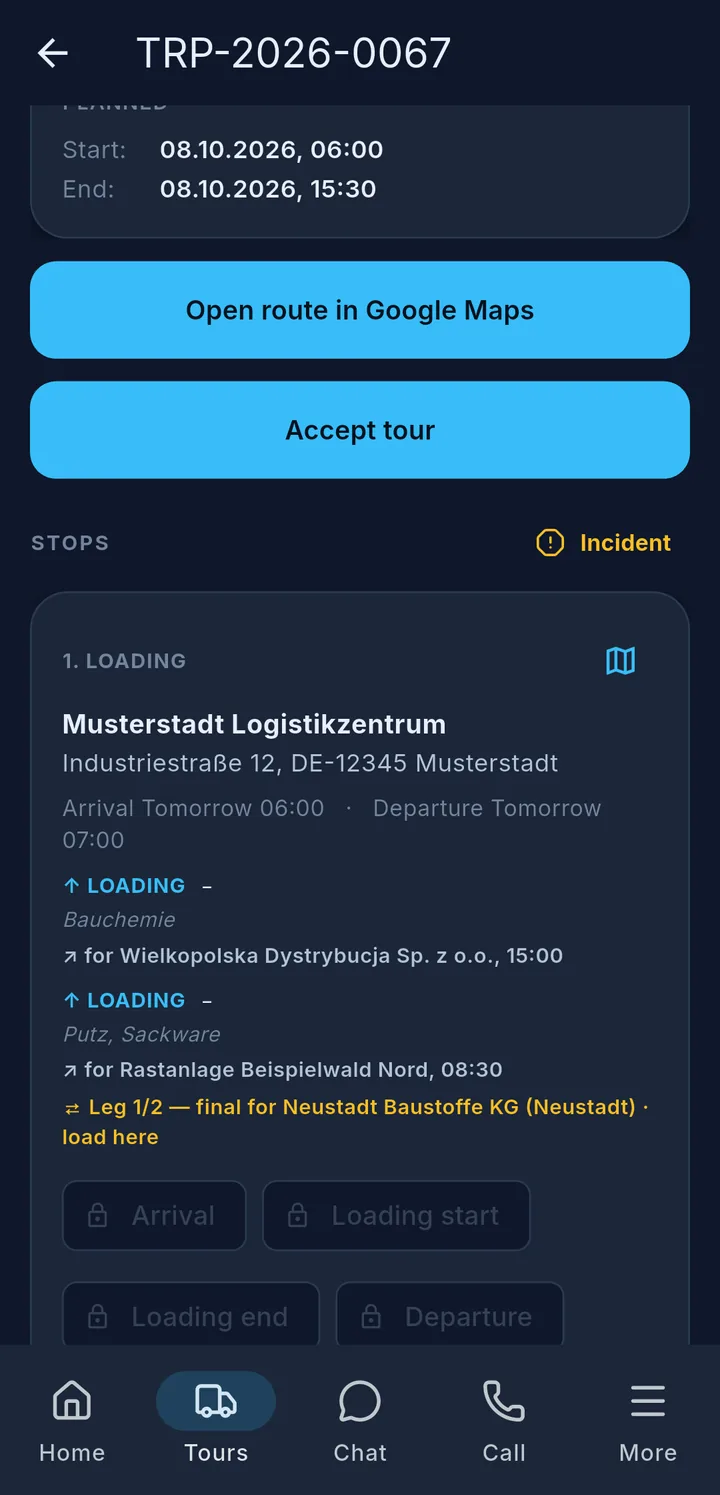
Accepting a new tour: Open the tour and tap Accept tour 4. To set off, tap Start tour. Only then can you record times.
Tip
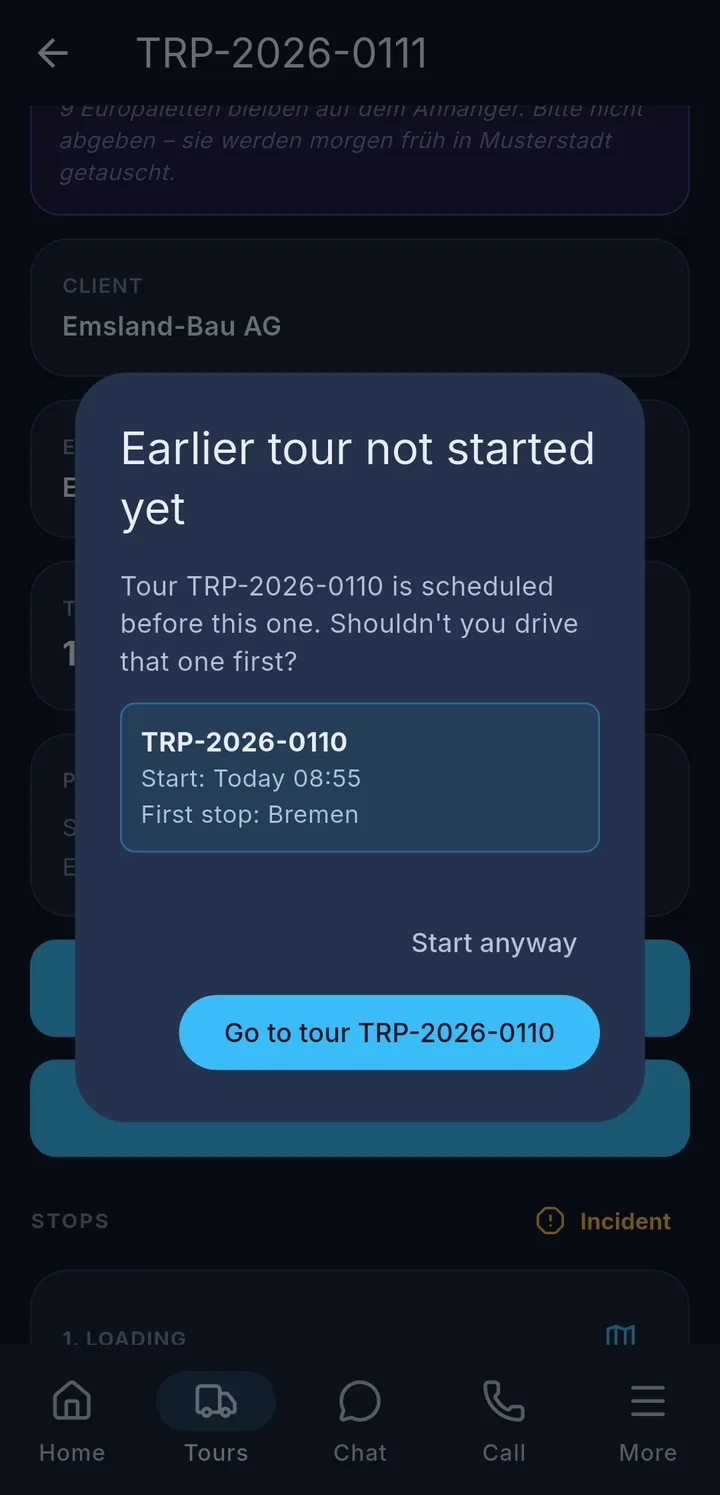
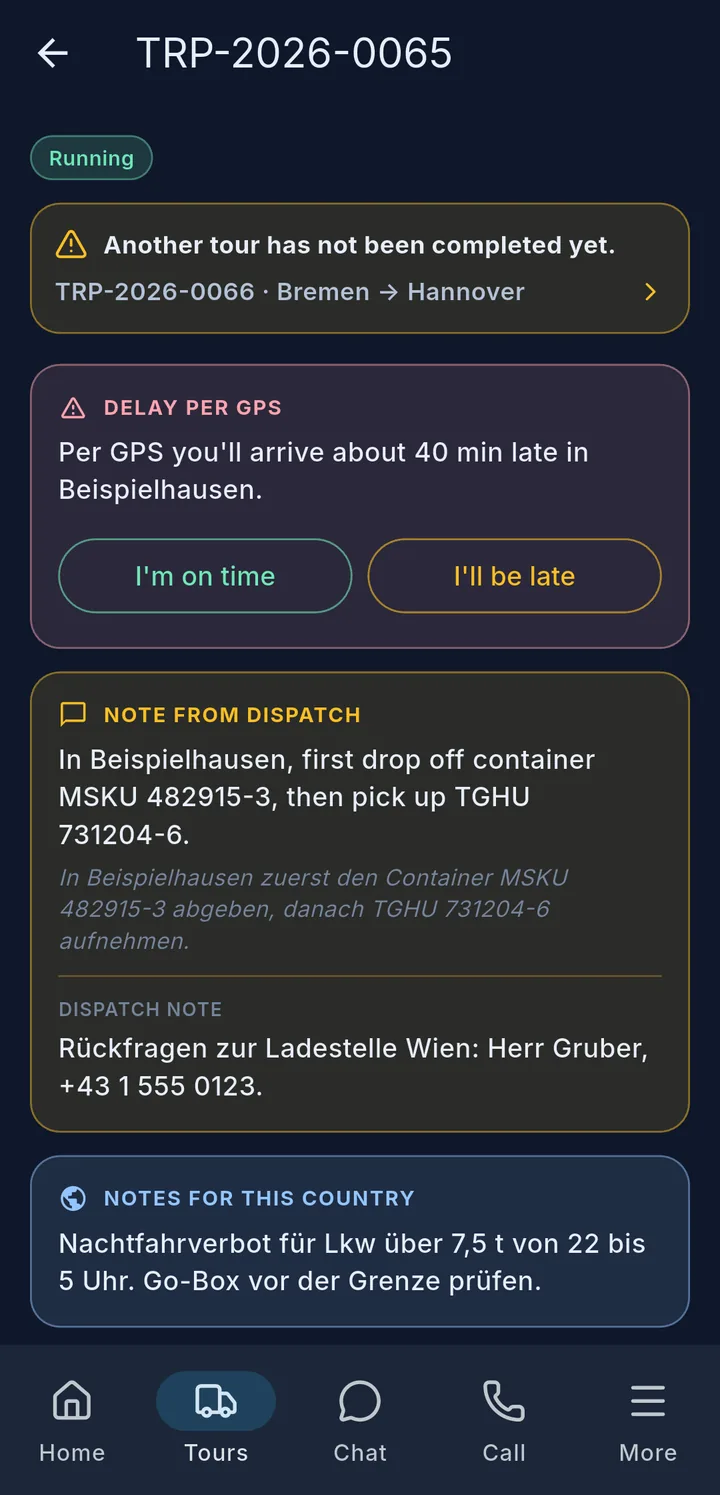
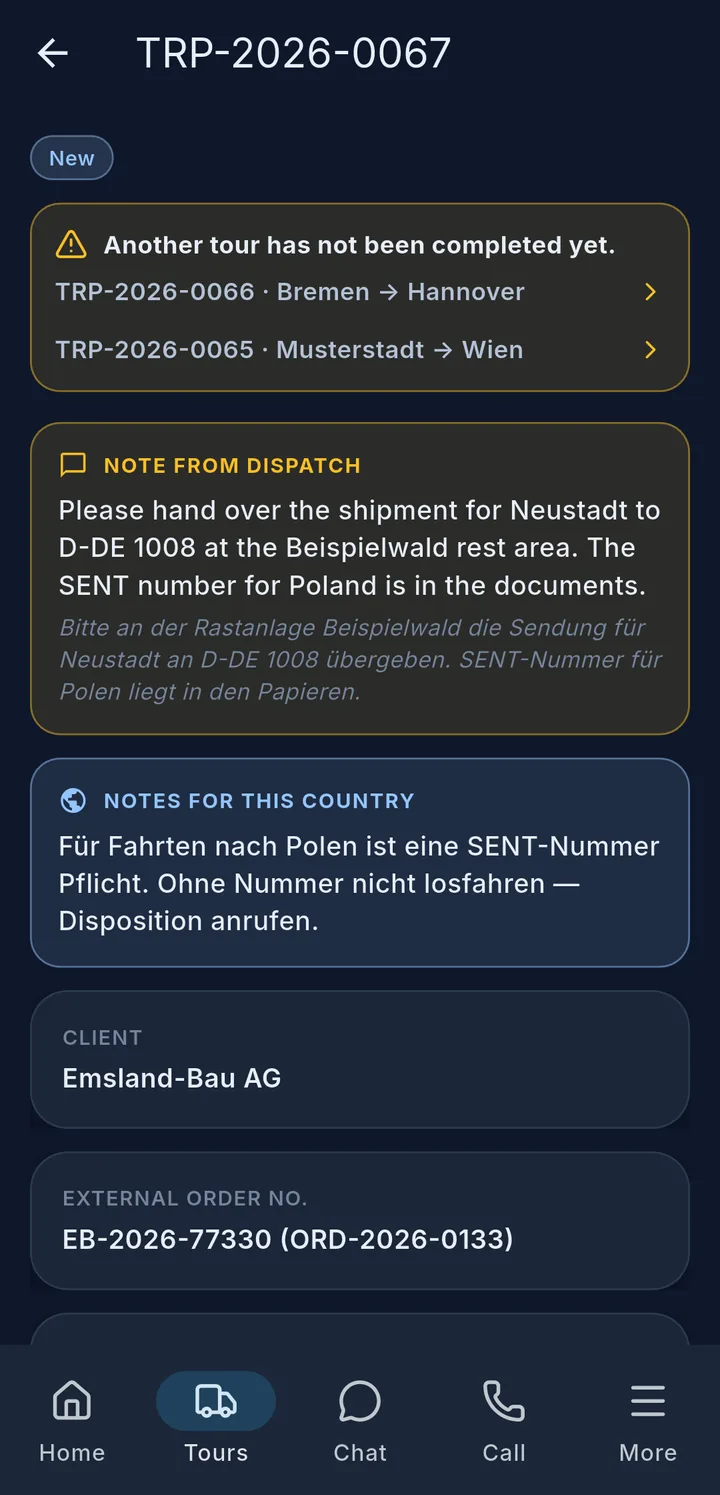
If an earlier tour is still open, the app asks when you start whether you should drive that one first. This is only a reminder – you can still start.