

With the FR8 Driver Assistant you handle your tours, report times, documents, accidents and breakdowns – and you can reach dispatch at any time by chat or phone.
The app belongs to a vehicle: you sign in for the vehicle, and everything you see – tours, fuel cards, service dates – belongs to that vehicle. If you drive as a team of two, you both see the same. Where it is about you personally, you choose your name.
How to sign in:
- 1 Scan QR code – point the camera at the code. The phone vibrates briefly when the code is recognised.
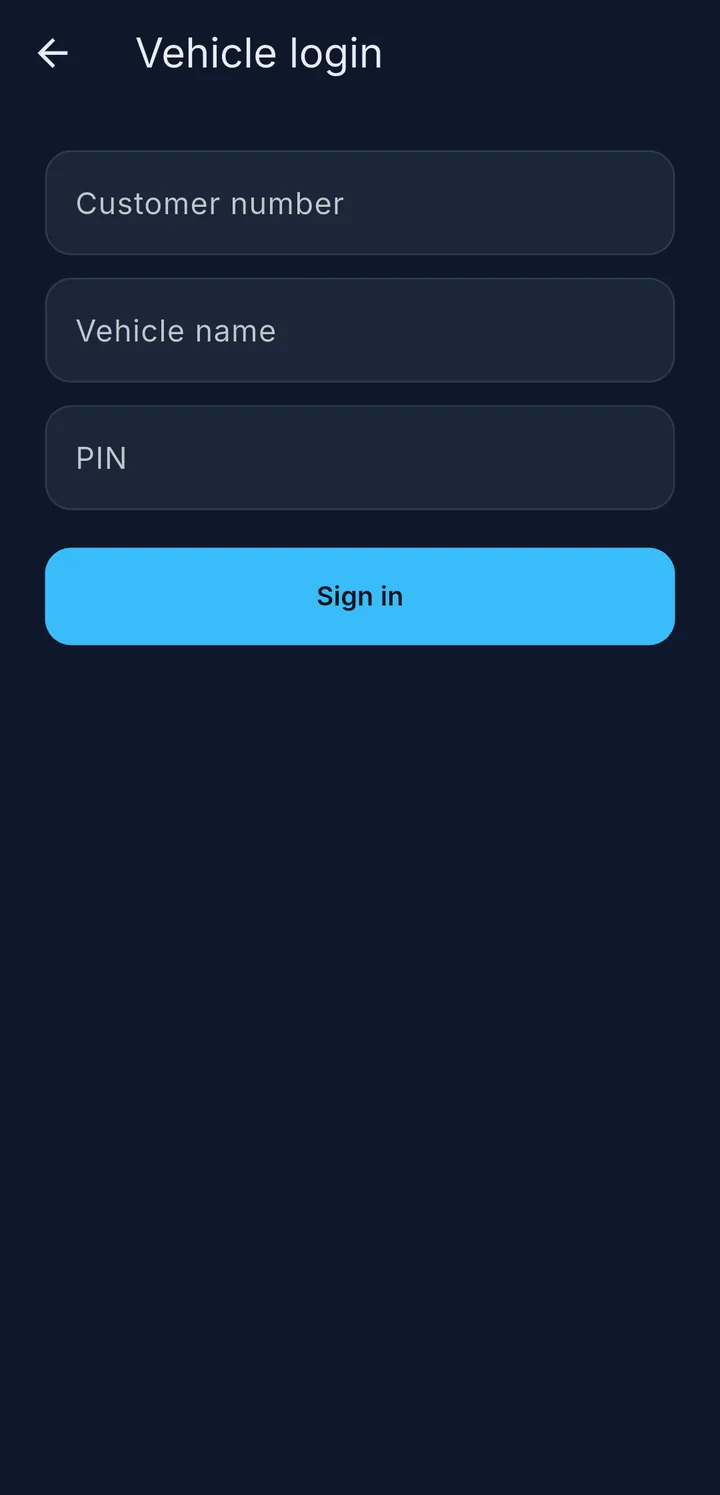
- 2 Vehicle login – with client number, vehicle name and PIN.
- 3 Driver login – with client number, login name and PIN. This is your personal access.
Your company gives you the QR code and login details. The QR codes in this booklet lead to the help, not to sign-in.
Use the globe 4 to change the language even before you sign in. Later you can do this under More → Language.
The first time you open the app, a short introduction shows you the app in one minute. You can watch it again at any time: More → Show introduction.