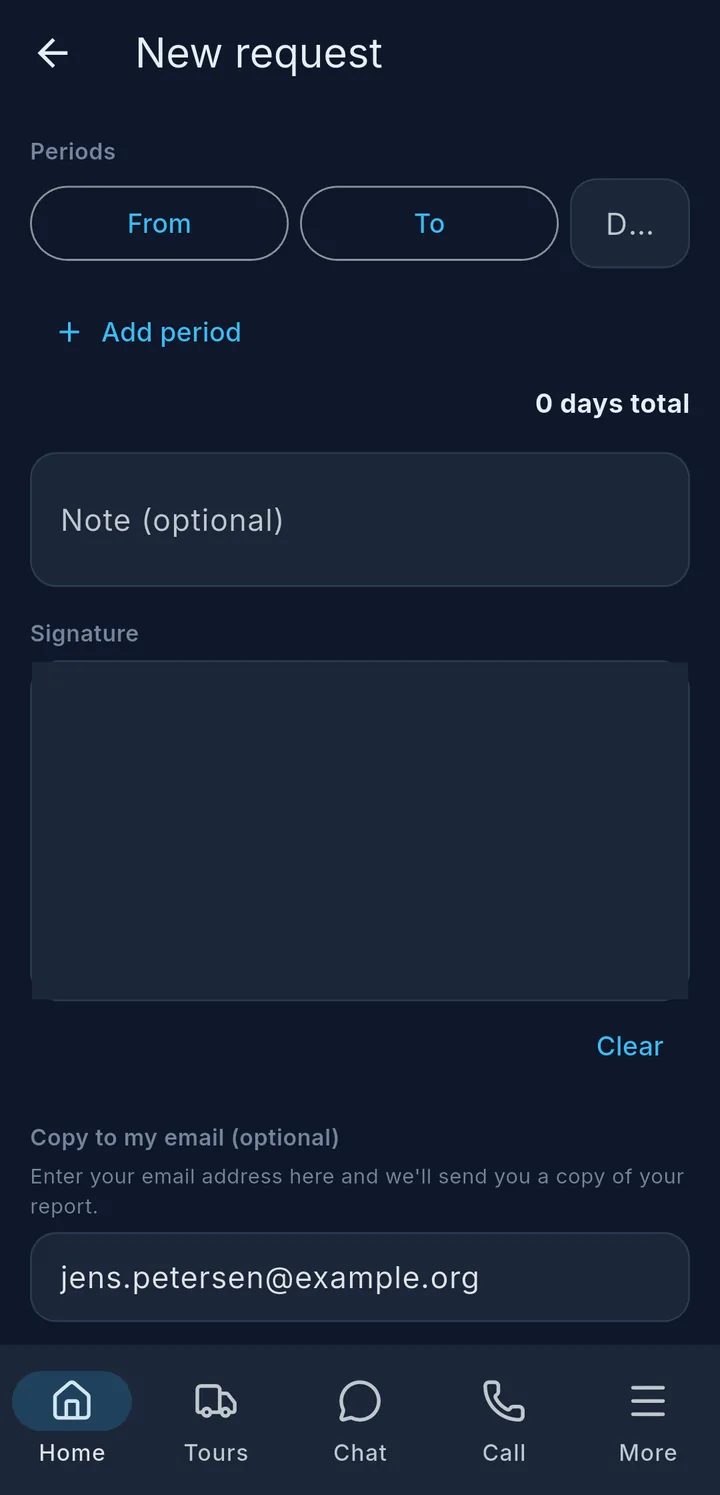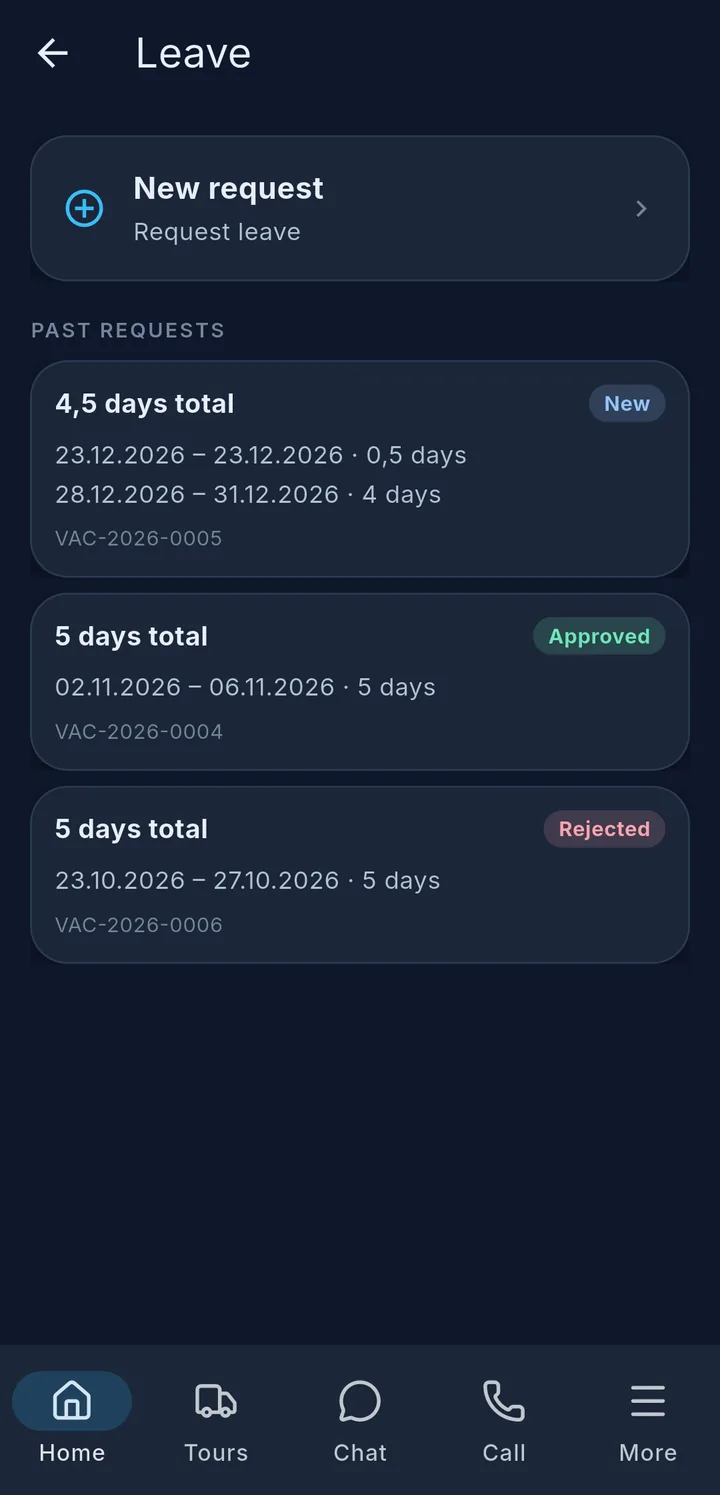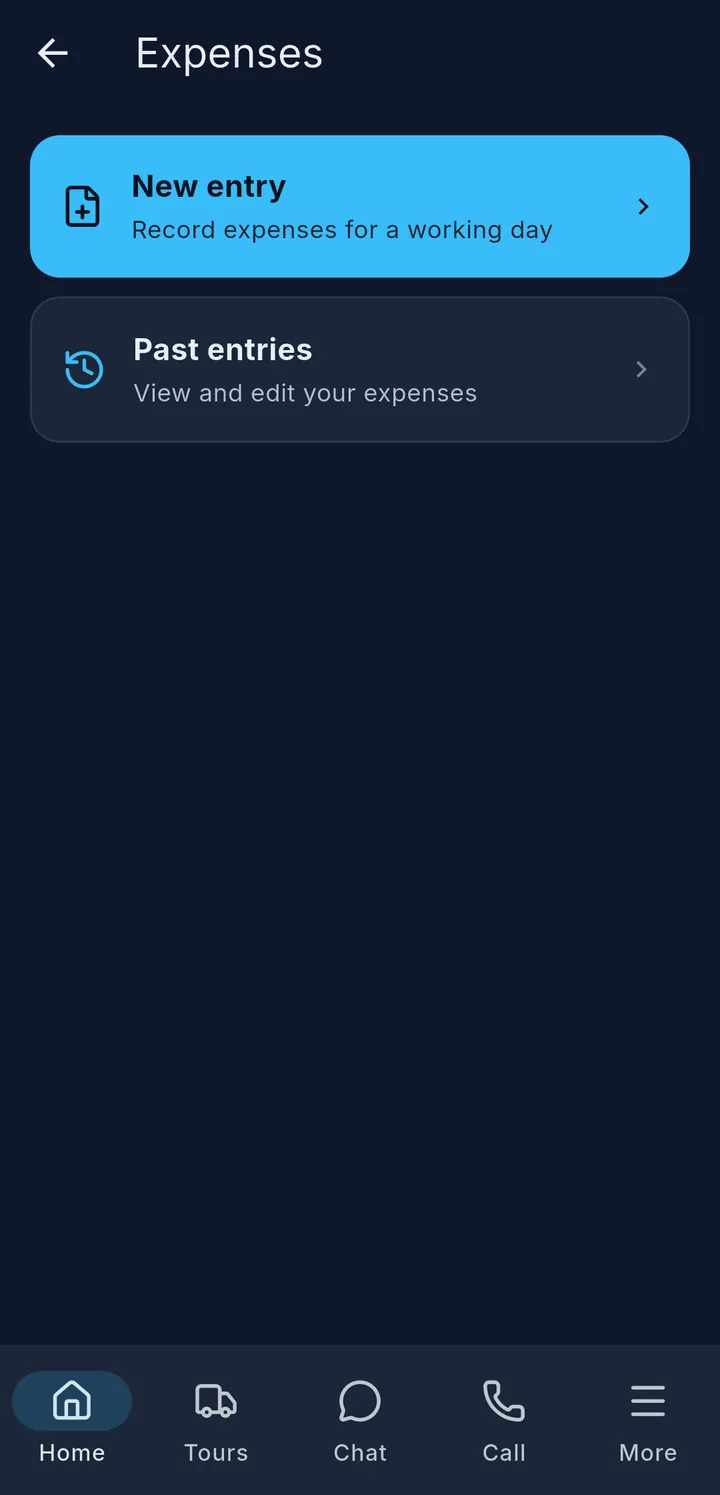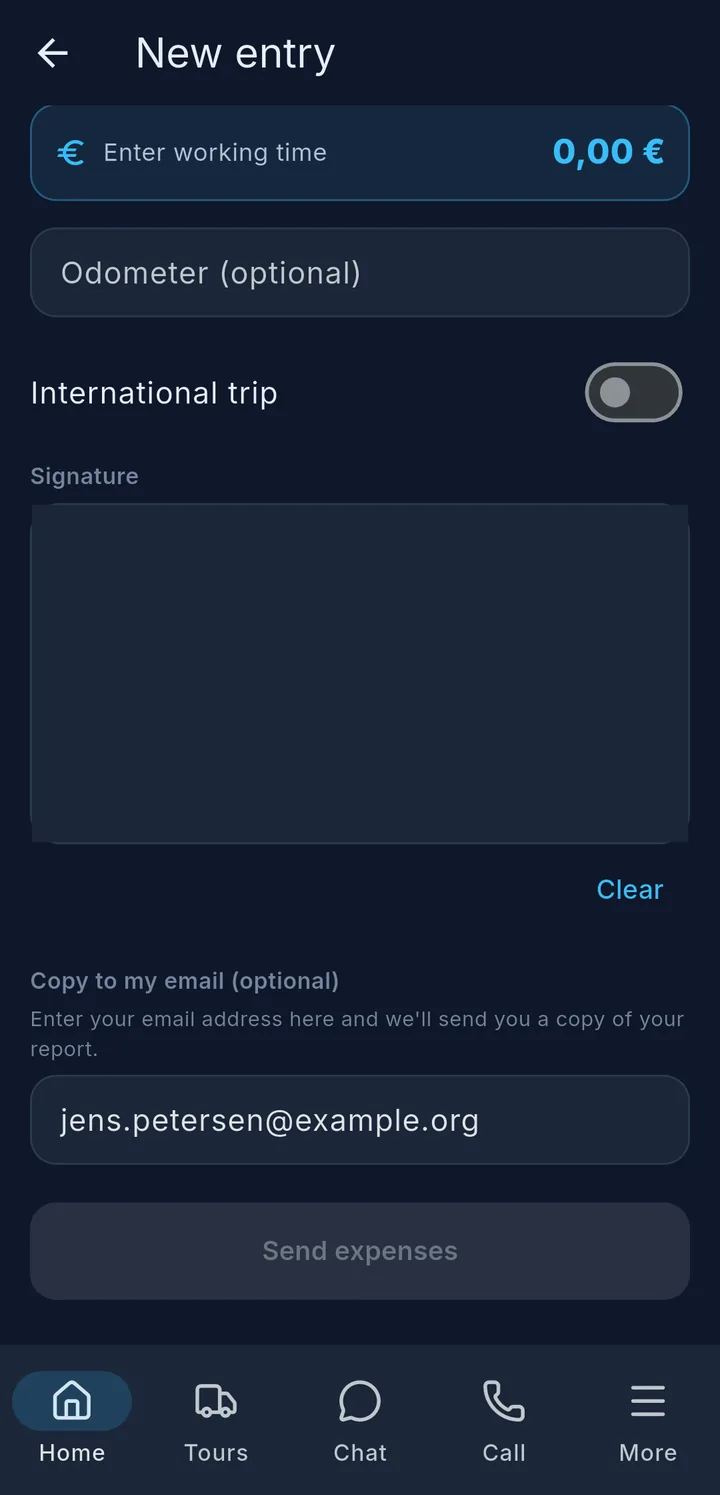
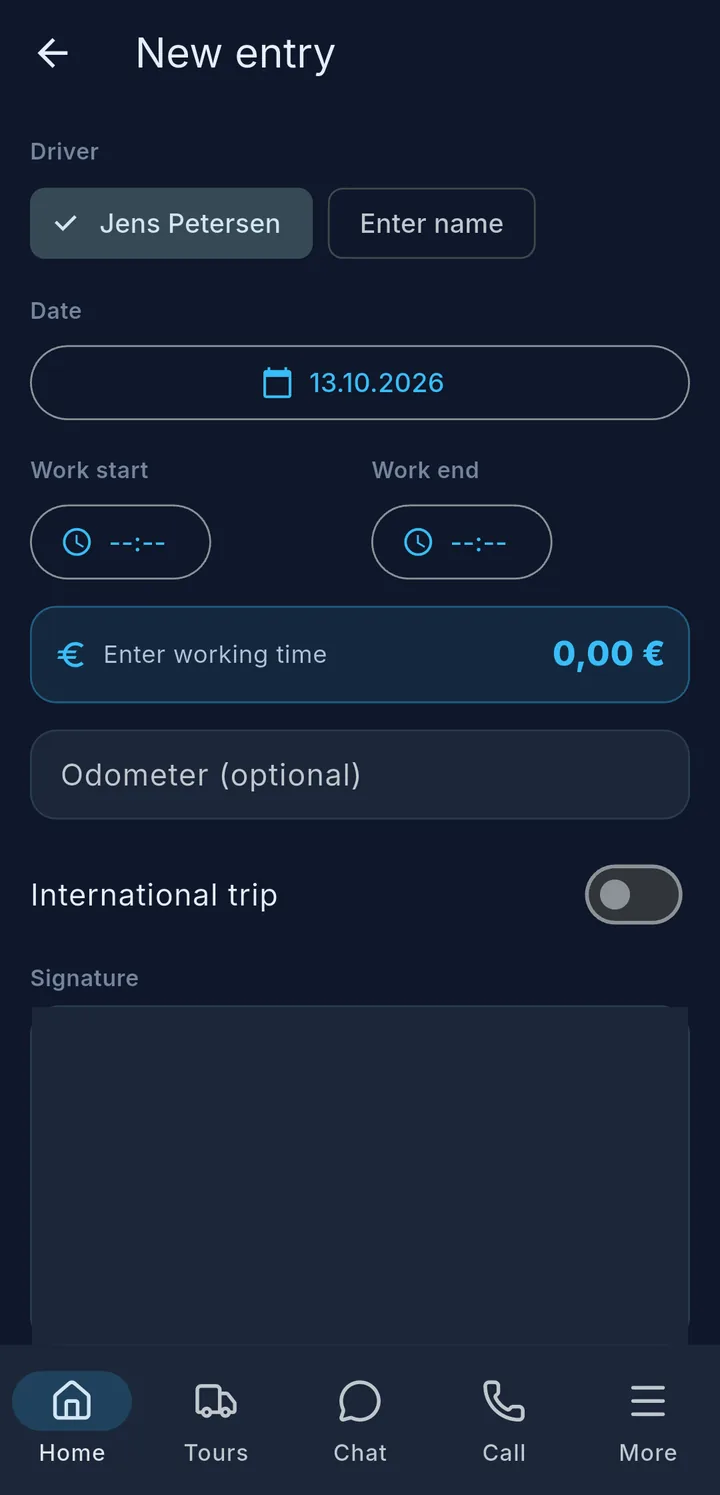
If your company handles expenses in the app, you enter your working time for each work day under Expenses. The app works out the amount from it.
- Choose the driver – with a two-driver crew, also Both.
- Date, Work start and Work end 1 – the amount 2 appears right away.
- If you worked abroad, switch on International trip.
- Sign and tap Send expenses.
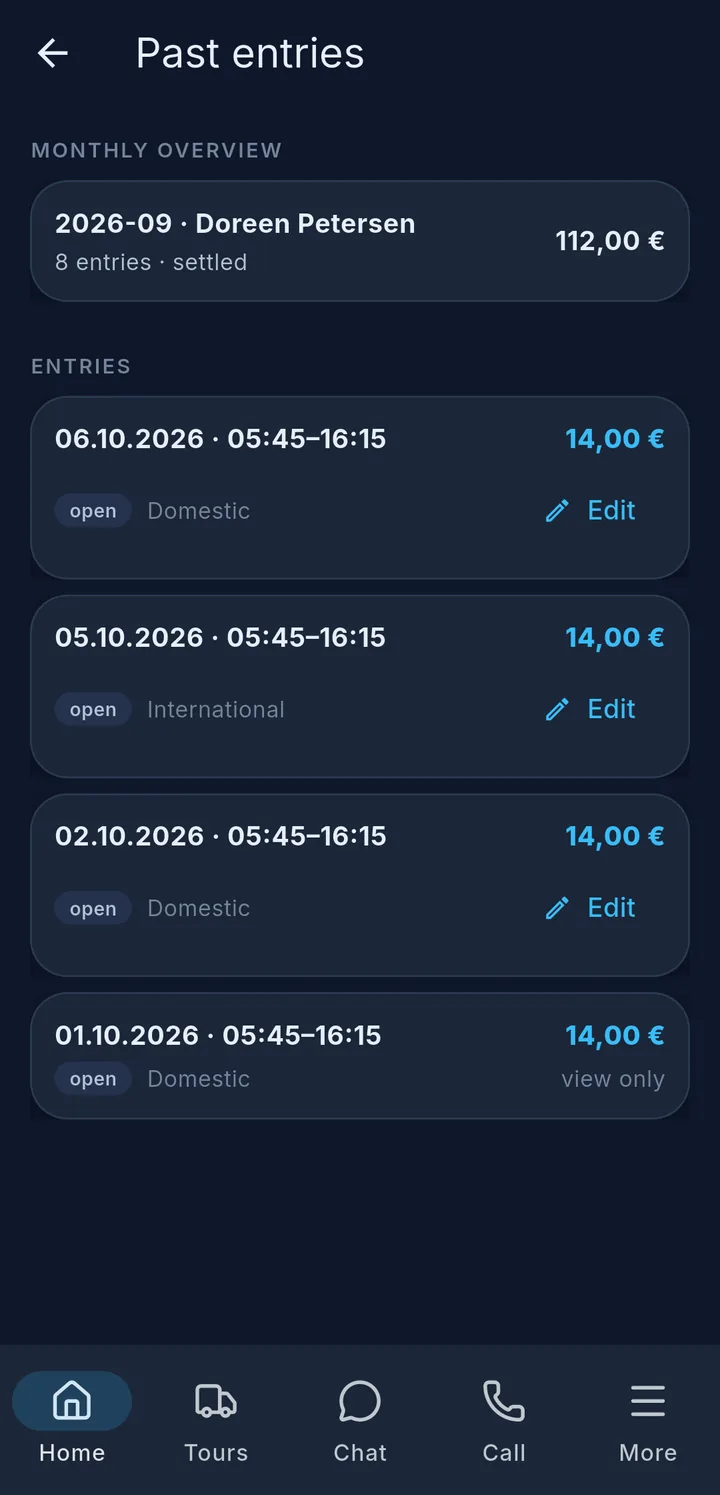
Below that you see your previous entries with a monthly overview 3. Depending on your company, you can still edit your latest entries with status open.
Tip
If it says "Departure check required first", do the departure check first – then you can enter your expenses.