Important
Make it safe first, then report. If anyone is injured, call 112 at once. Inform the police, do not move the vehicle, take photos.
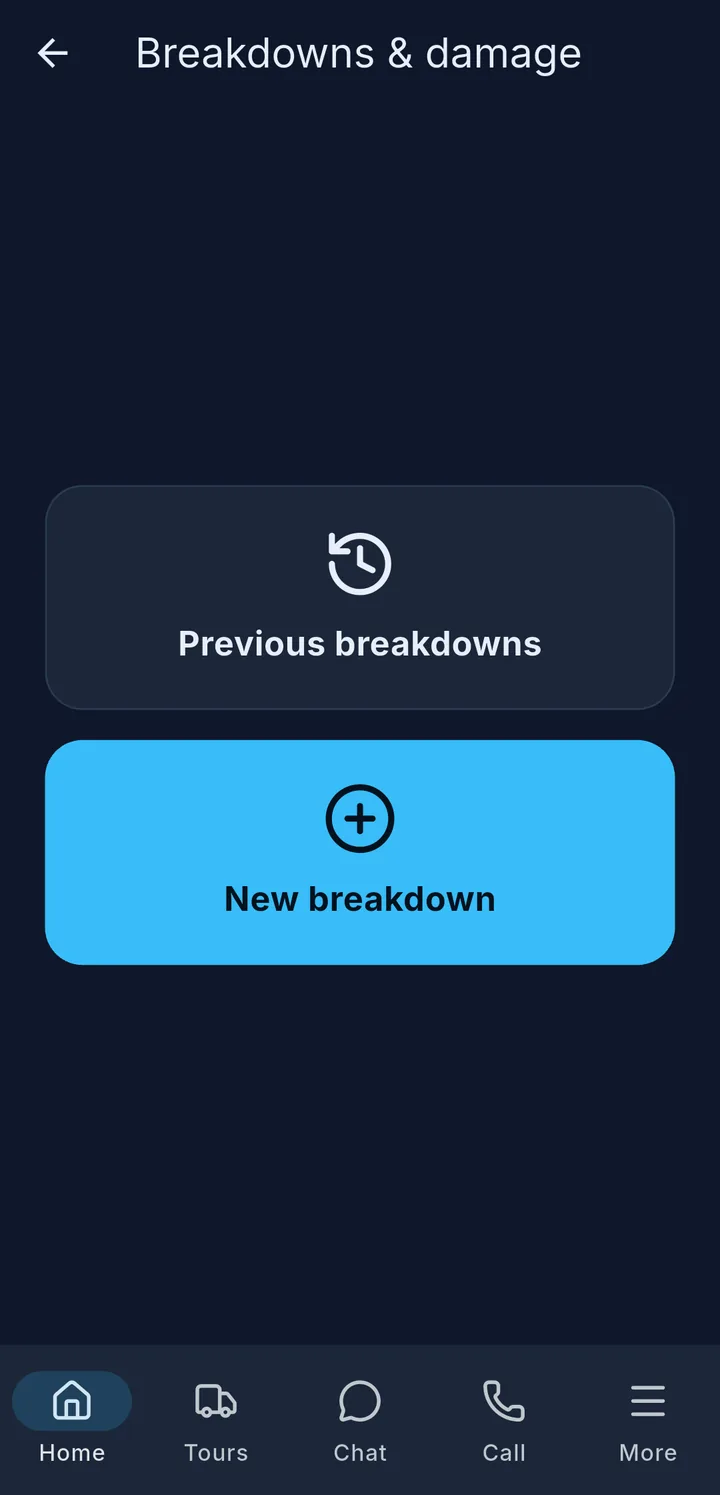
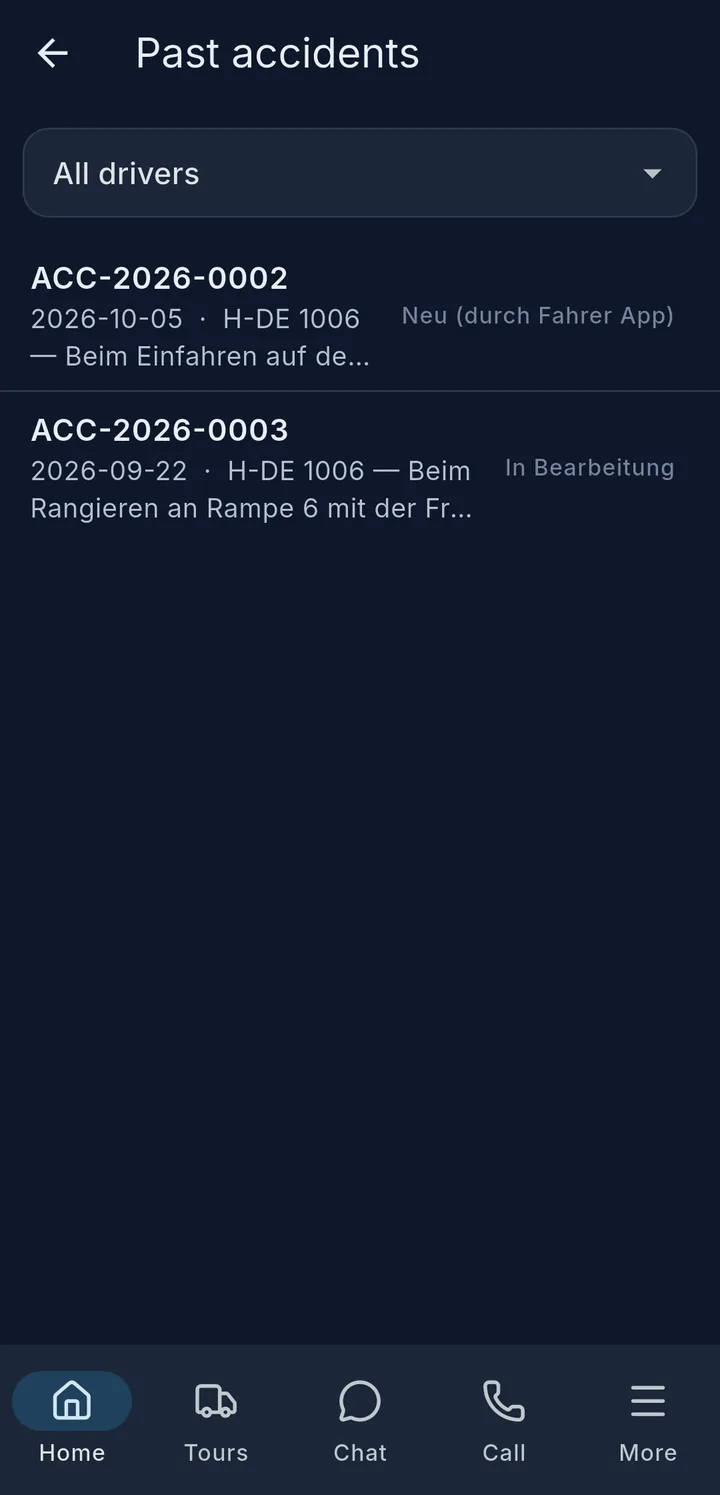
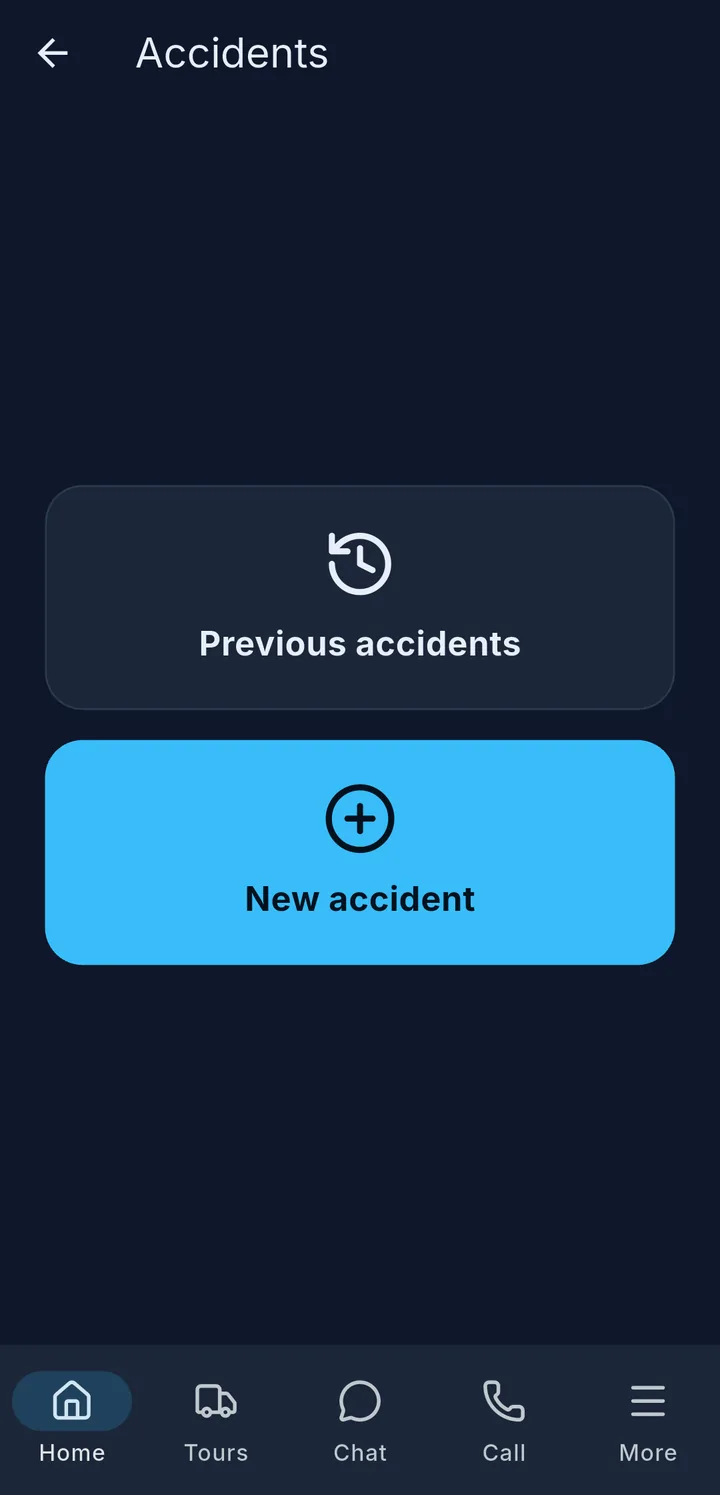
With the Accidents and Breakdowns & damage tiles you report straight from the app. Both first open a choice: New accident 1 or New breakdown – or your previous reports 2.
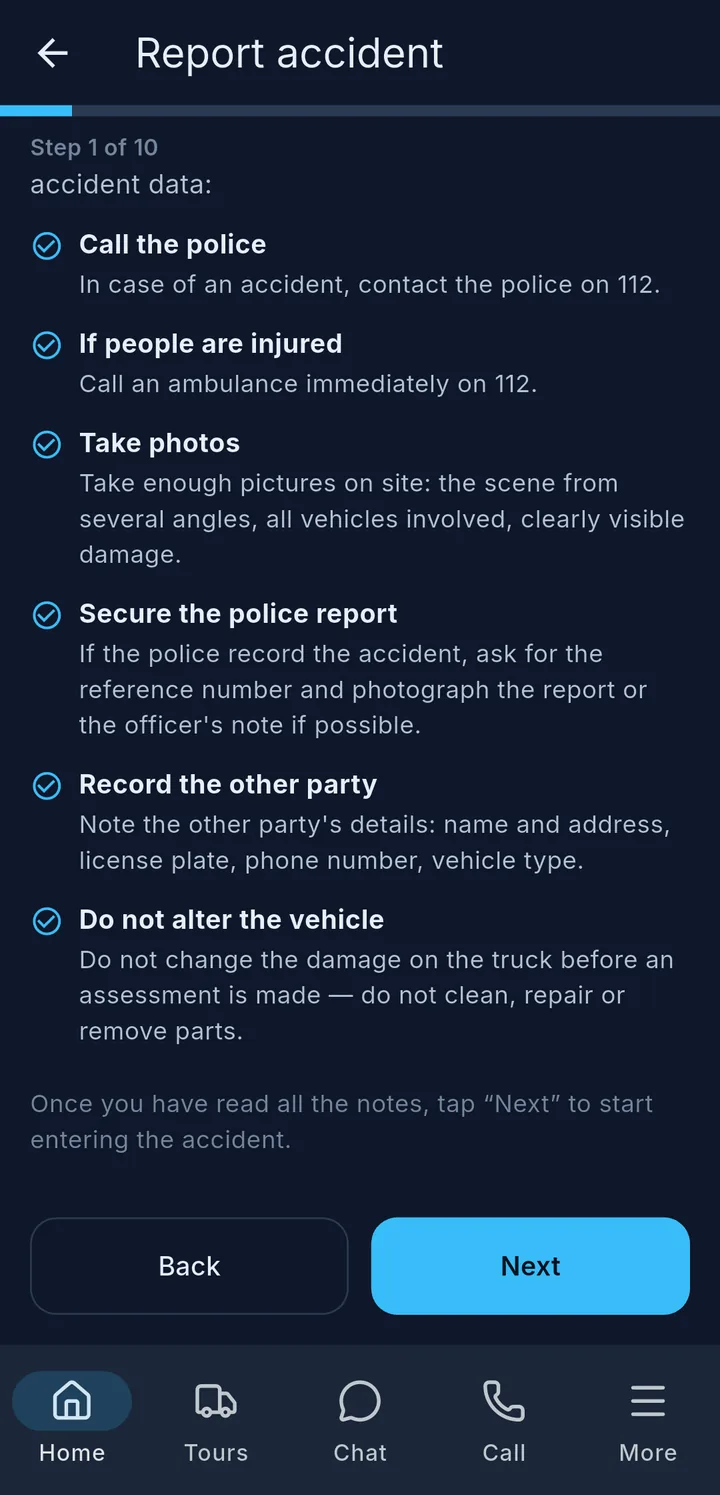
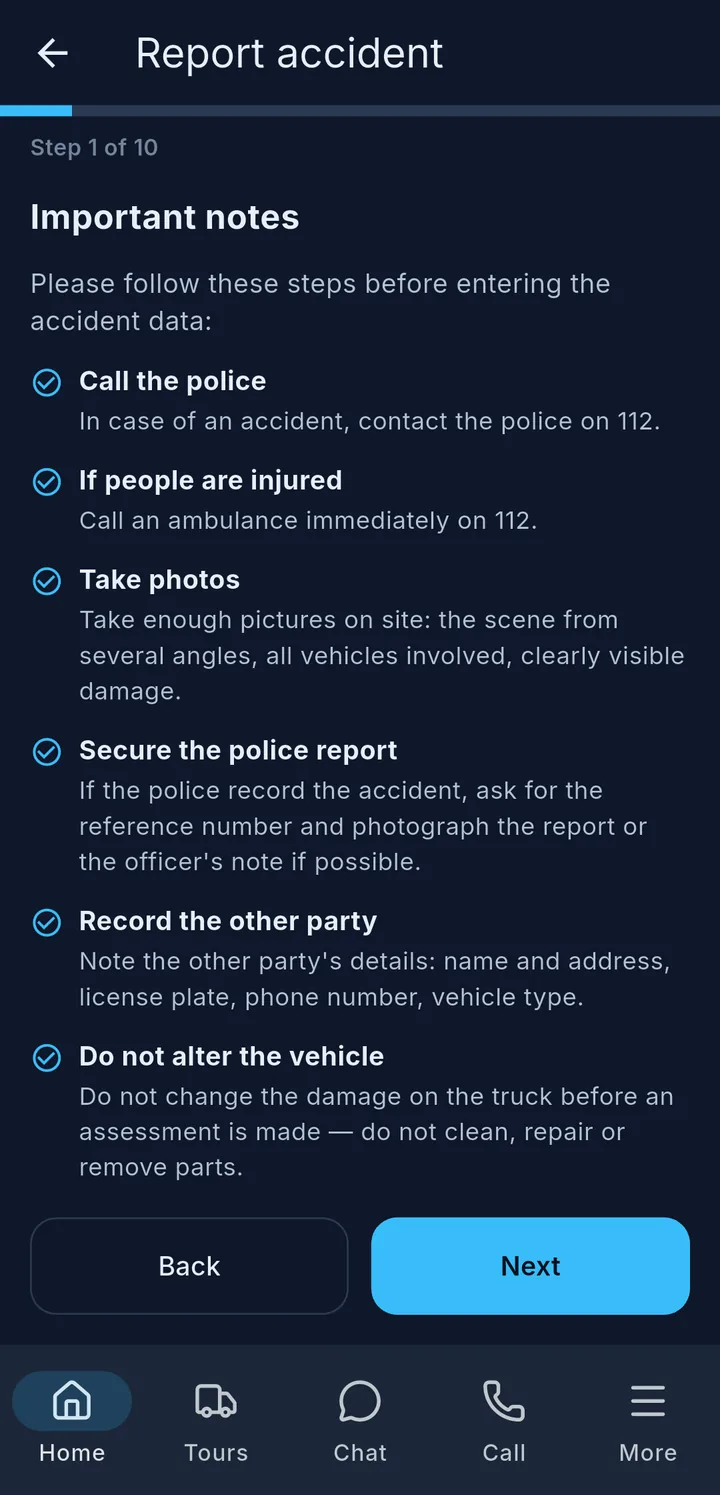
Report accident – the app guides you step by step, with Next and Back:
- Important notes – what to do now.
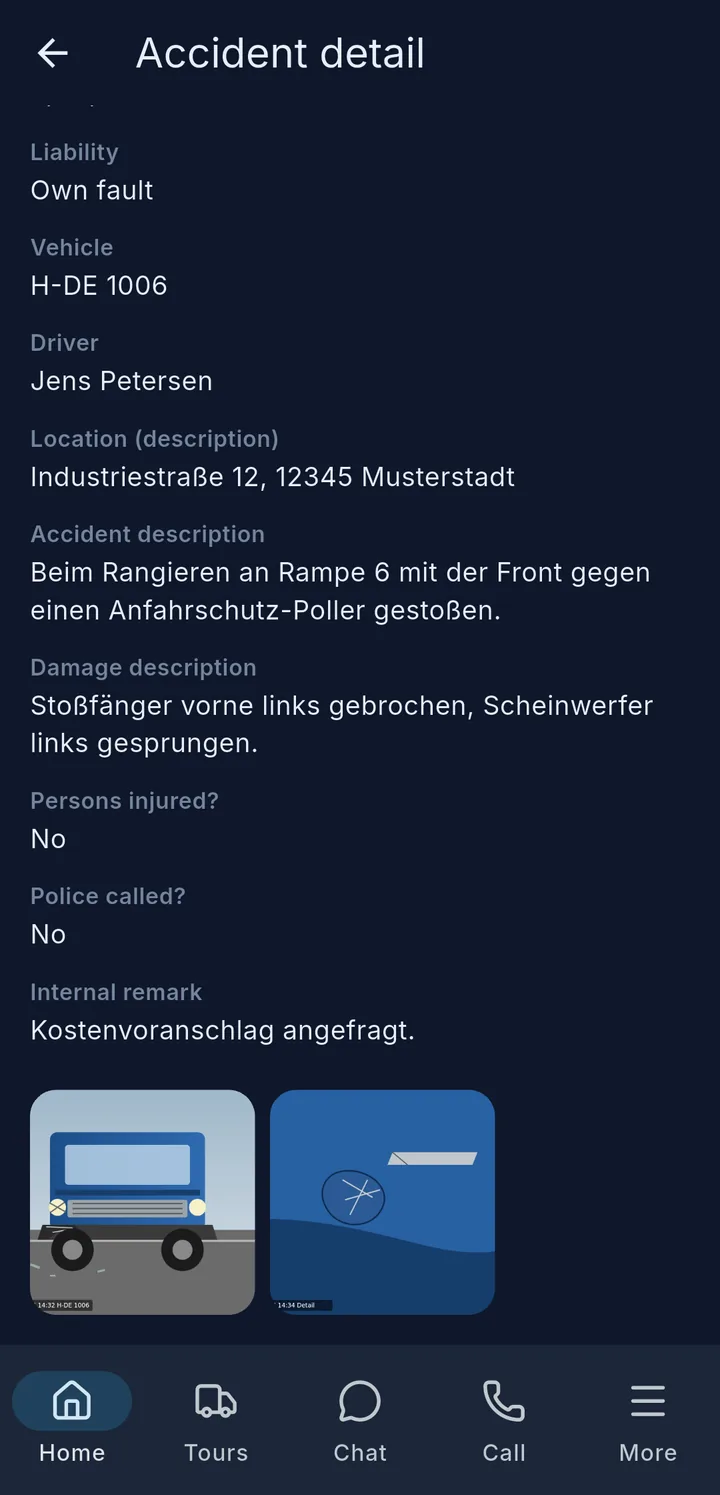
- Vehicle, driver, time, place (suggested by GPS), who was at fault.
- Voice message – tell what happened in your language. At the end, always tap Stop.
- What happened? – course of events, injuries.
- What is damaged? – tap the damage on the vehicle picture.
- Other party, police, case number, photos.
- Sign and tap Submit.
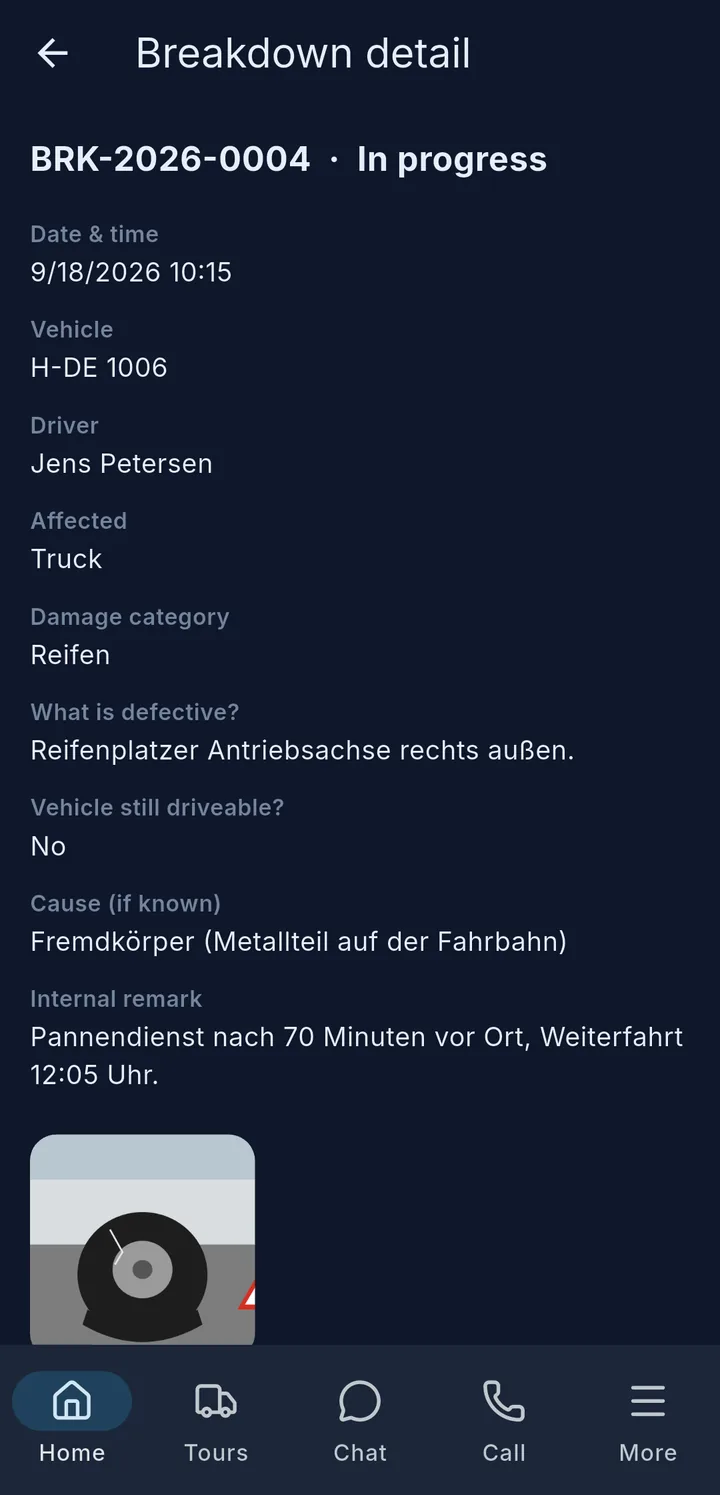
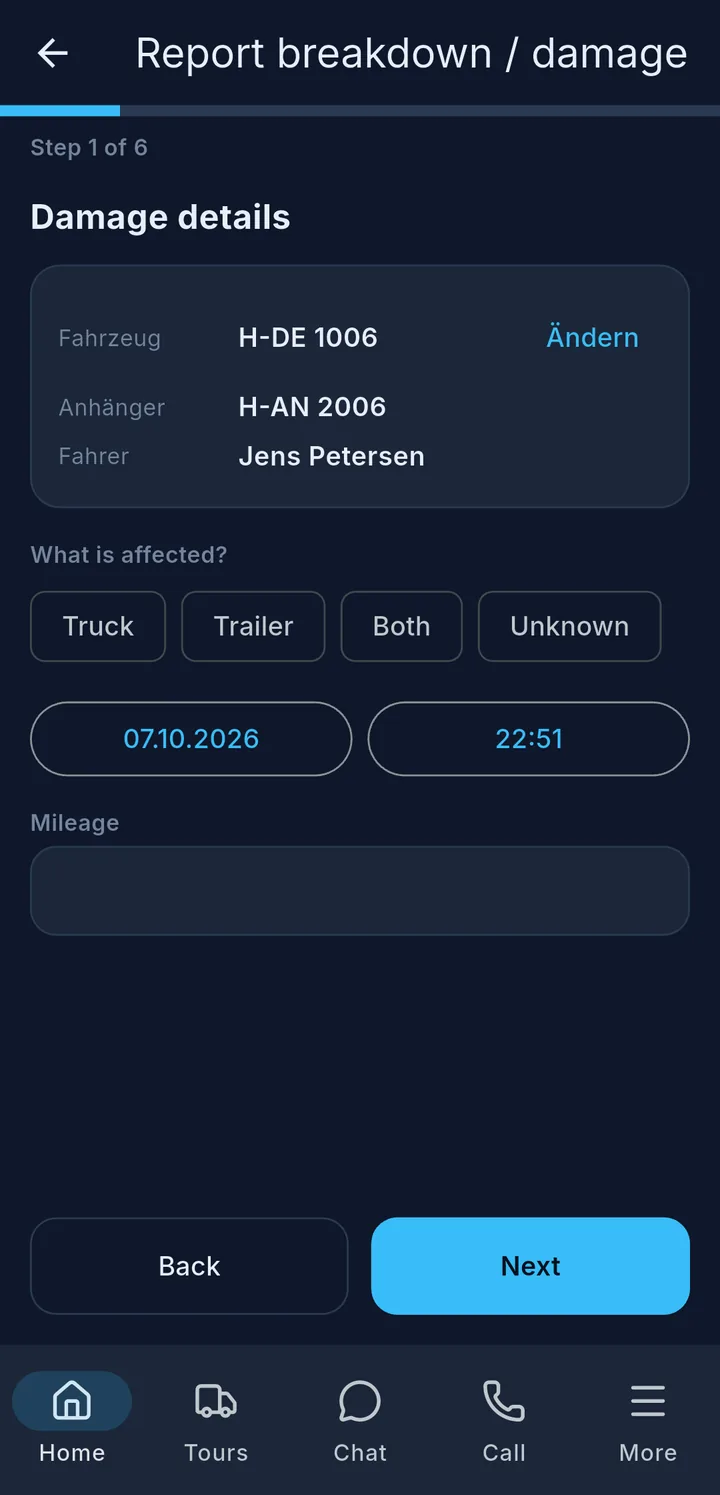
Report breakdown / damage – works the same way, just shorter: what is affected, what is defective, can the vehicle still be driven, photos, signature.
The report goes straight to the fleet team.
Tip
The first time, your phone asks for microphone access – please allow it, otherwise the voice message is not recorded.